// cat case-file.md
// architecture --modules
01
DONE
Scanner + API
FastAPI backend running passive and opt-in active scans in the background; results persisted to SQLite and retrieved by ID over a documented REST API.
02
DONE
AI analyzer
Grounded LLM module: findings are pulled from the scan in code, then a local model (Ollama) only explains and scores them. Risk levels are computed in code, and analysis is reproducible (temperature 0, fixed seed). Scan data never leaves your machine; cloud (Gemini) is opt-in, BYOK.
03
DONE
Dashboard
React + Tailwind operator console — a scan form with a consent gate, a live Siege Log, and a Battle Report pairing raw findings with the AI analysis.
PASSIVE CHECKS · READ-ONLY
TLS
Protocol version, certificate validity & expiry, cipher suite
Headers
Missing defensive headers, redirect chains, and leaky headers — extracts the software + version (e.g. nginx/1.18.0)
Sensitive paths
Probes exposed paths — /.env, /.git/, /admin — and records status codes
ACTIVE CHECKS · OPT-IN, CONSENT-GATED
SQL injection
Error-based (leaked DB error signature) and blind boolean-based — infers injectability from TRUE/FALSE response differentials
XSS
Flags a parameter when a unique per-scan canary token is reflected back unescaped — no false positives from pre-existing page content
Path traversal
Flags a parameter when a ../ payload makes the response leak system-file contents (e.g. /etc/passwd)
THE MODEL
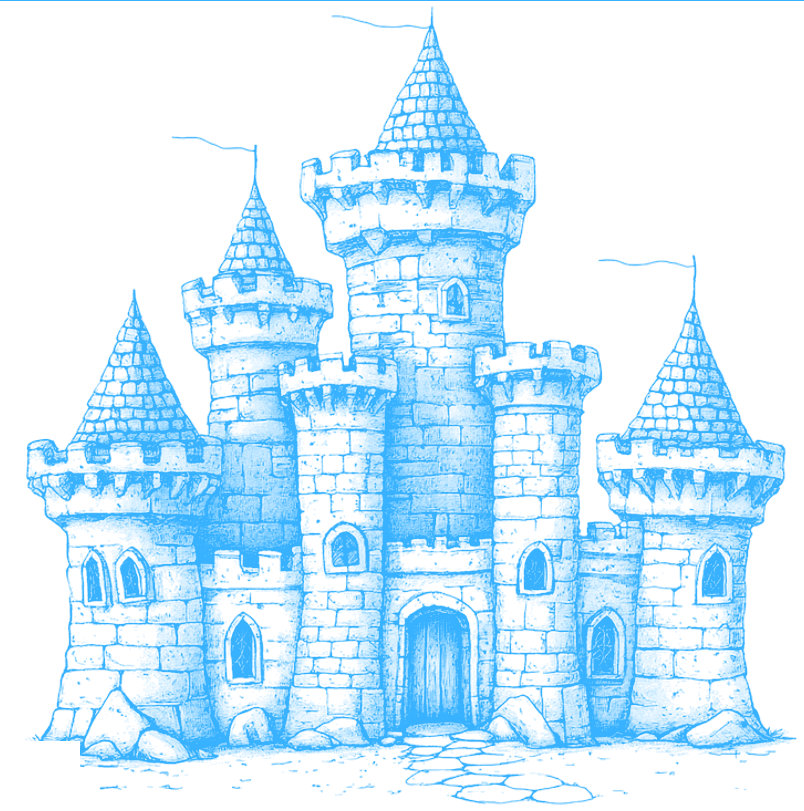
A target's surface is a perimeter — Fortify walks the walls before anyone else does.
Each check maps to a gate in the wall: TLS is the drawbridge, headers are the battlements, exposed paths are the postern doors left ajar. Passive checks watch the walls read-only; opt-in active checks rattle the gates with payloads, only against a target you've authorized. Then the AI analyzer ranks which breaches to fix first.
THE OPERATOR CONSOLE · REACT + TAILWIND
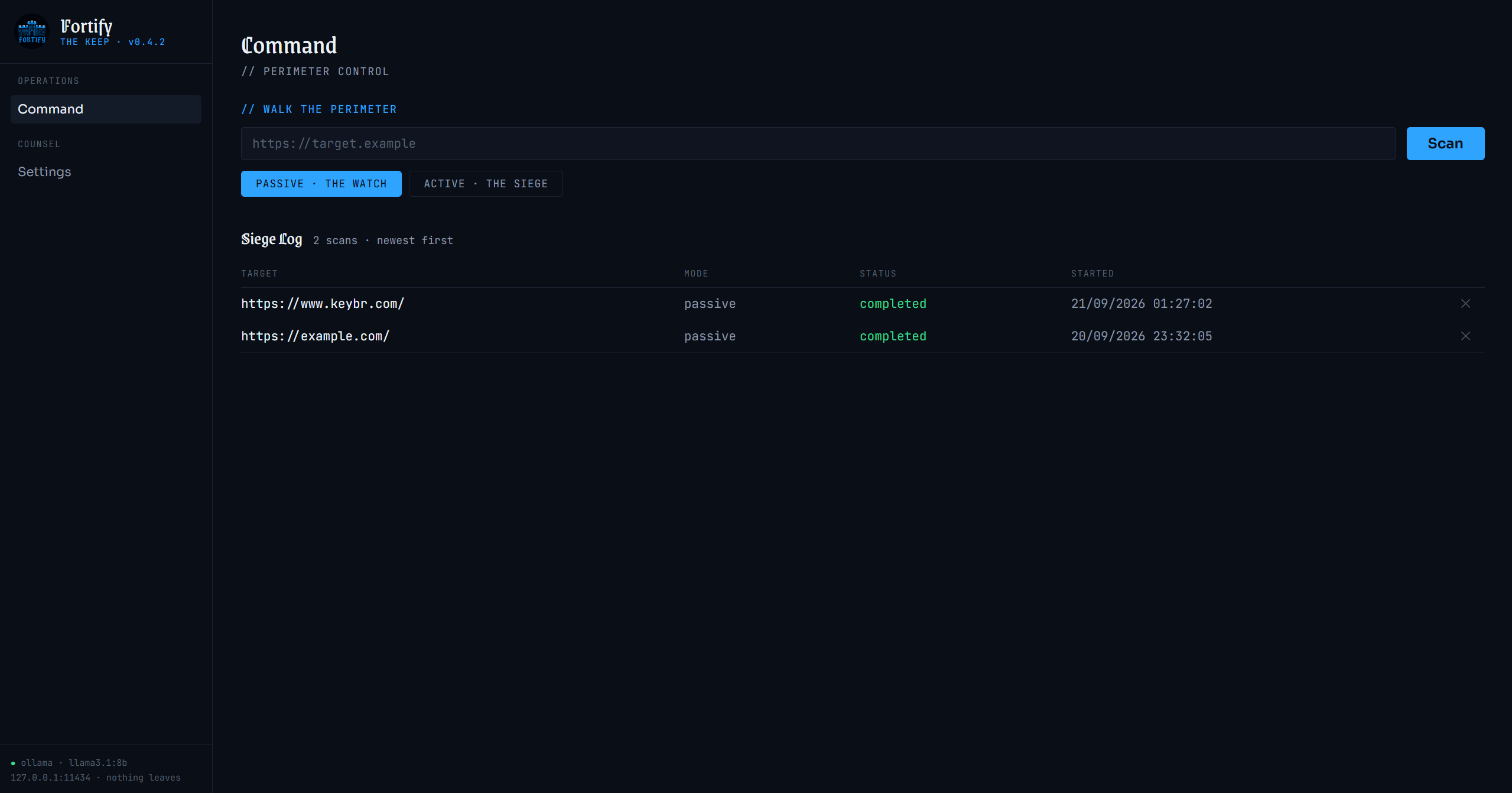
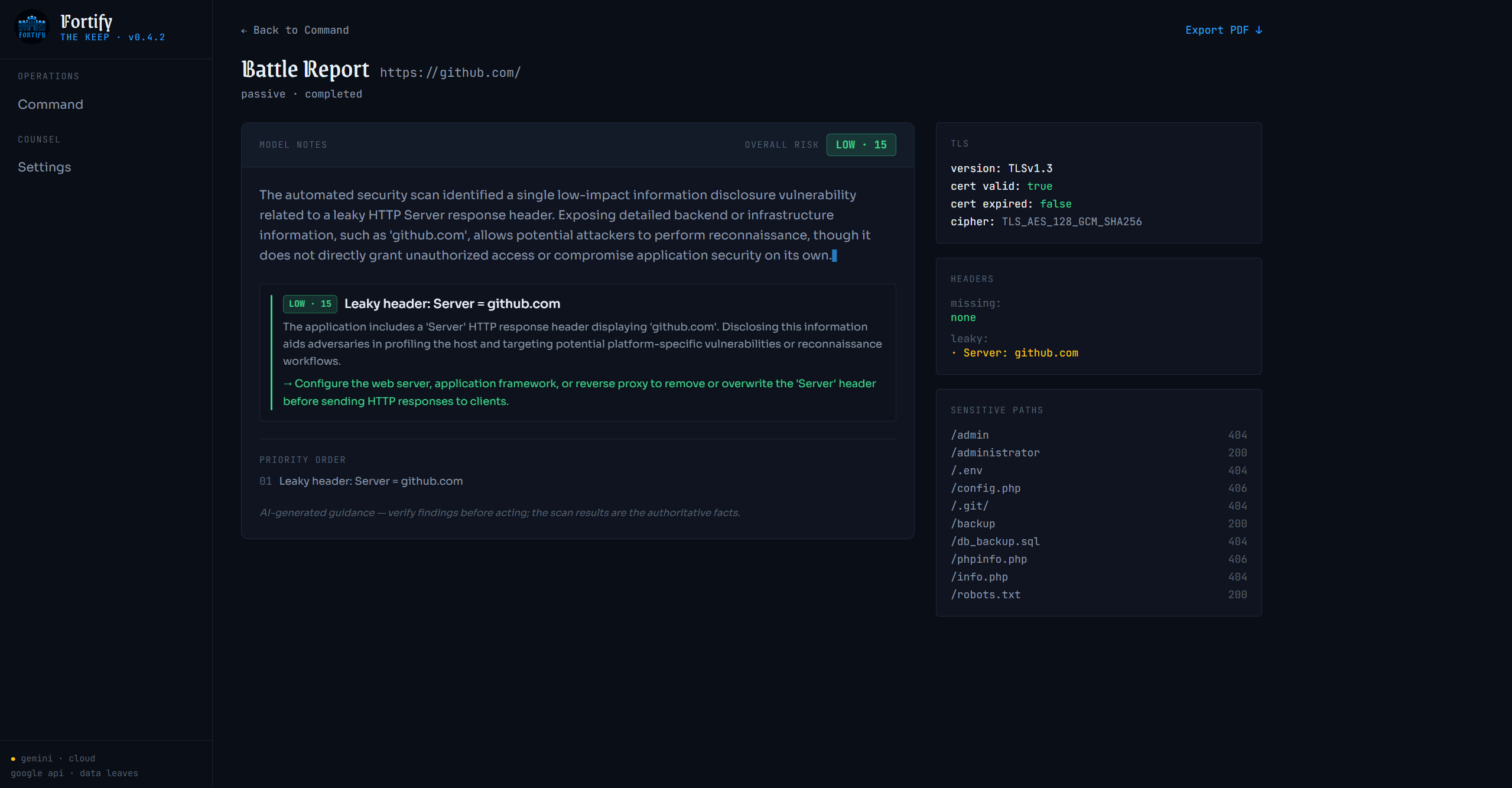
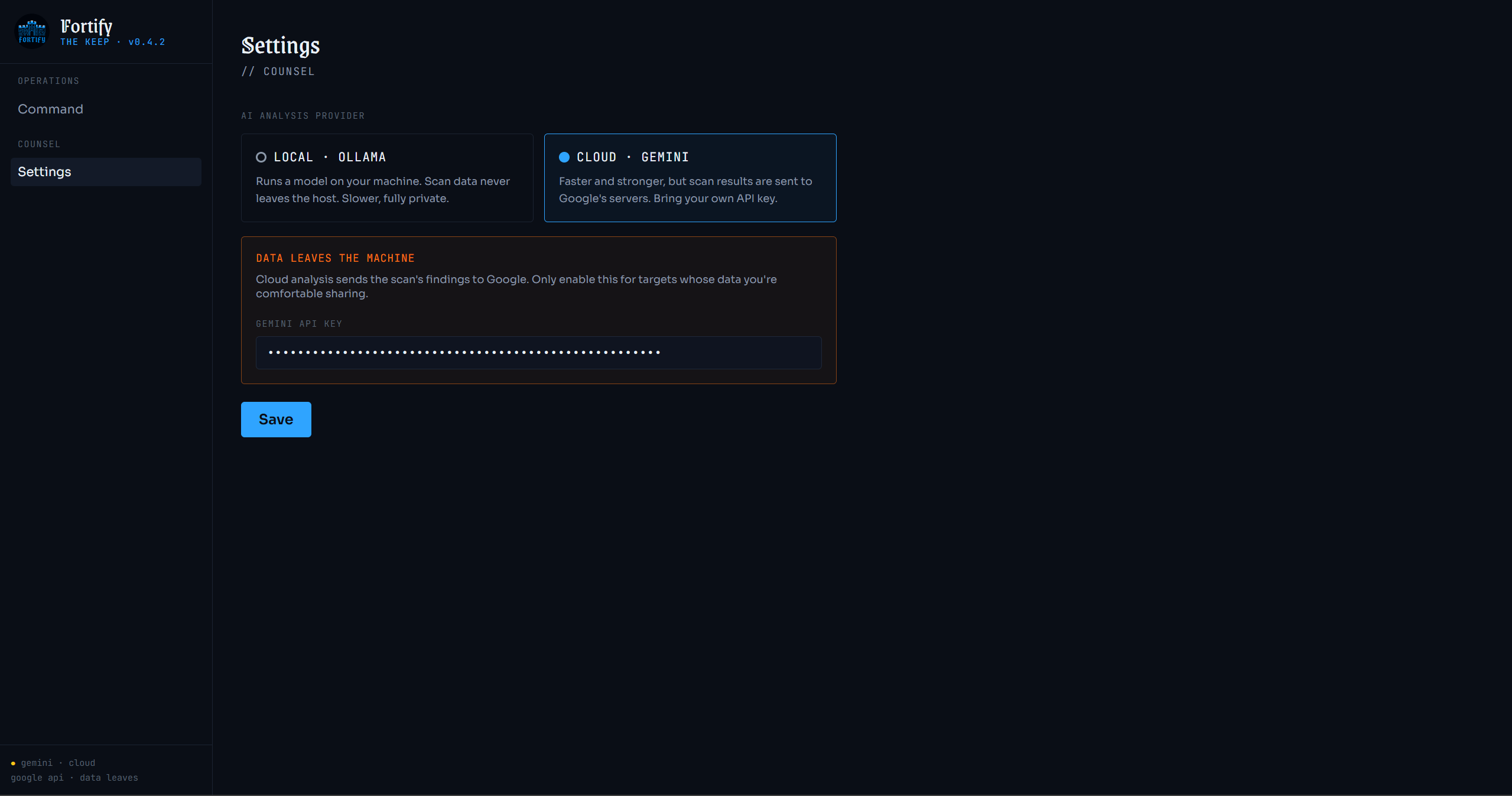
v1.2.0 "The Keep" reskins the console into a medieval command center — a Command dashboard (stained-glass severity rollup + threats-sighted breakdown) and the Scriptorium, a provider-aware candle chart over recent AI reports. It builds on v1.1.0's deeper scanner (blind SQLi, header version detection, per-scan XSS canaries) and reproducible analysis, all runnable with one command: docker compose up --build.